Getting started
How to build a game press kit
What a game press kit is, what goes in one, and how to build and share it, step by step.
GamePressKit editorial · Updated November 24, 2026
What is a game press kit?
A game press kit is one public page that gives journalists, content creators and event organisers what they need to cover your game: the facts, a short description, screenshots, a trailer, logos and a press contact. It saves them from asking you for files, and it means what they publish uses the right name, date and images.
Rami Ismail, who made the free presskit() tool with feedback from journalists, gives the reason plainly: when the press finds a game but cannot get information and media for it, they cannot write about it.
What to include in a game press kit
- A short description: what the game is, in two or three sentences a stranger can follow.
- A fact sheet: developer, publisher if you have one, platforms, release date or status, and store links.
- A feature list: the modes, mechanics or story hooks that set the game apart.
- A trailer, embedded or linked, with a download if you can offer one.
- Gameplay screenshots as original, full-resolution files.
- Your logo and key art, including a logo on a transparent background.
- A press contact that someone reads.
This matches what journalists ask for. The writers at GamersNexus want screenshot packs, video they can embed or download and re-host, and a features list they can write from. For the file-by-file detail, use the asset checklist.
When to make one
Have it ready before your first public announcement. A reveal, a demo, a release date or a festival submission all send people looking for your materials, and the kit is where they should land.
It does not need to be complete. A description, the facts, a few screenshots and a contact are enough to start. Add the trailer and more assets as they exist.
Build it step by step
- Write the short description and the fact sheet first. If a release date is not announced, say so; a journalist should not have to guess it from an old trailer.
- Choose the assets: a varied set of gameplay screenshots, the trailer, the logo and key art. Supply original files, and do not leave the only copy of an image inside a PDF.
- Put everything on one public page. In GamePressKit you create a studio and a game, or import an existing Steam or itch.io page and review what came across. If you would rather self-host or use another service, compare the press kit tools.
- Check it like a stranger would. Open the link in a signed-out browser and on a phone, follow every store link, then download one file and the full ZIP.
- Share the link, not attachments. Sharing your press kit with journalists covers the email.
Look at real press kits
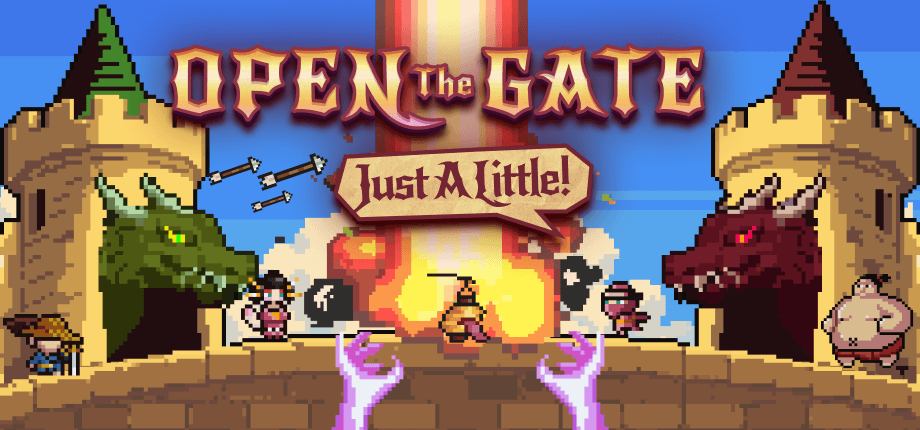
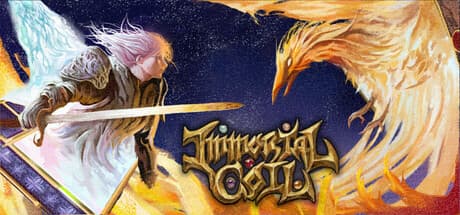
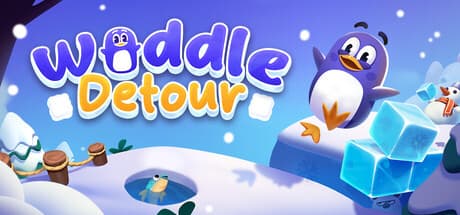
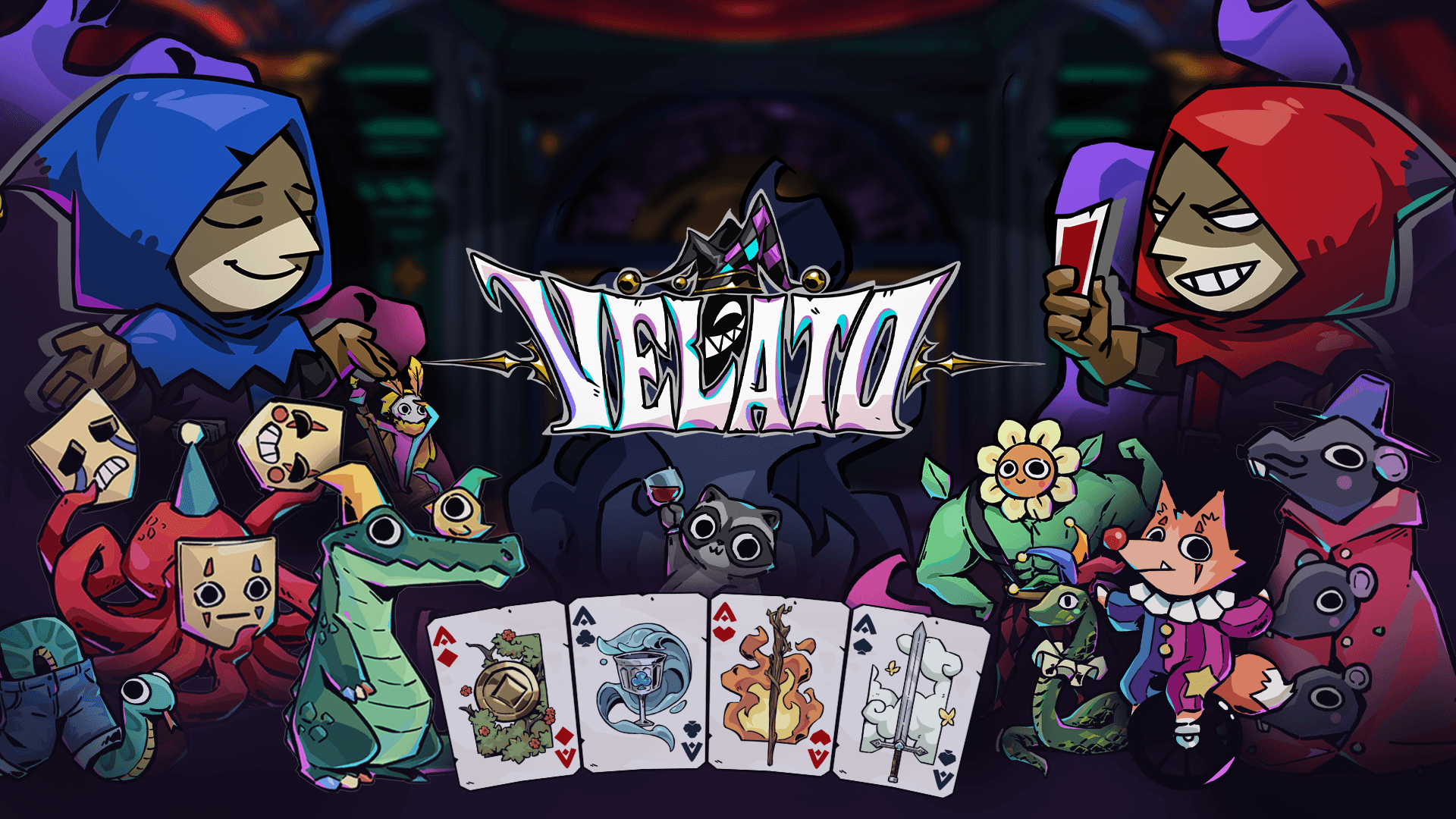
The fastest way to judge your own page is to read a few others. The showcase lists public press kits published with GamePressKit. Notice how quickly each one tells you what the game is, where it is sold and who to contact.
Keep the same link useful
Update dates, screenshots and store links as the game changes, and revisit the kit before every announcement. If you publish in more than one language, correct a fact in all of them. The aim is a reliable place to get information, not a page you publish once and forget.